
Keyword Research for both SEO and PPC
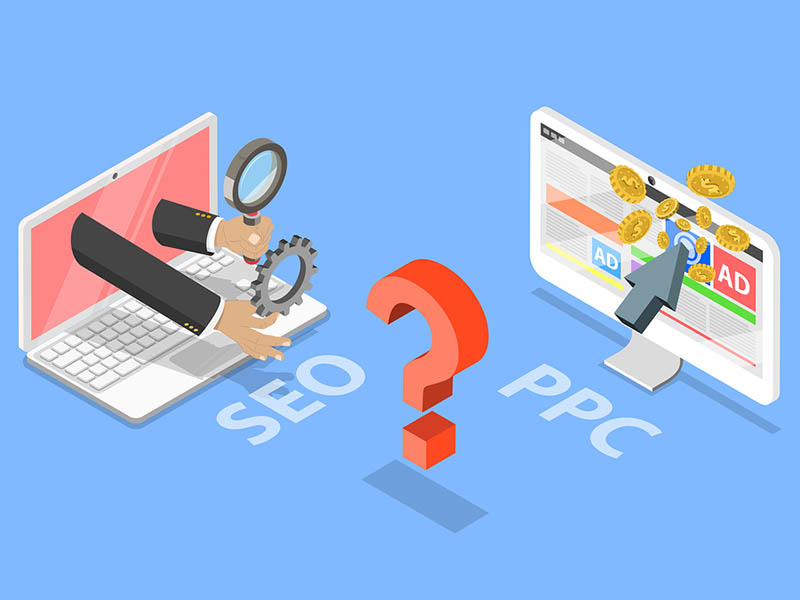
Although some people insists in generate some sort of rivalry between them, the truth is that SEO and PPC can (and should) work together. As a marketer you can learn a lot when you analyze each other’s data, cohesion and even their margins of error. In both SEO and PPC we implement practically the same keyword phrases, tools and even SERPs. The only thing that differs from both is their perspective.
When it comes to keyword research, many SEO experts implement PPC tools like Google Keyword Planner. In time, search volume has become a usual metric in keyword research. Search volume is an excellent way to determine some of the bigger marquee terms. This is particularly true when a marketer adventures in a new sector or vertical.
User Intent in SEO and PPC
User intent is another fundamental metric at the moment of optimizing a page or bidding in a paid effort. It is possible to foresee what your clients and prospects will do then they reach your landing page. That way, not only you save thousands of dollars on unfruitful advertising and SEO but also lead to more secure conversions.
If you are selling a service or product, it makes no sense to spend resources on a high-volume keyword if the intent is merely satisfy curiosity or certain knowledge. It’s much better to target a lower volume keyword or phrase where the users have a clear commercial intention. If you’re not clear or careful enough with your keyword intent, you risk to confuse search engines and mix them with results that are more related to answer a query instead of generating a sale. In that case, the result is that you get lots of impressions, but no purchases.
You also need to be cautious at the moment of using volume as a metric to choose and implement your keywords. Keep in mind that Google Keyword Planner is heavily rounded and delivers an average monthly search volume. Such data is not always accurate. For this reason, it is always recommendable to use more than one tool to do your keyword research. Ahrefs and SEMrush, for example, are very useful to deliver different results in keyword planning and can help you refine your choices.
Keep Low Keyword Competition in Mind
In Google Keyword Planner, low keyword competition means that the results of the keyword you chose are very generic and might lead to multiple interpretations. Implementing those keywords can seriously affect your campaign for the bad. Still, it may happen that keywords that have low competition for PPC but have a good level of impressions in SEO. In that case, these keywords can represent a low-cost / high-impact opportunity to lead relevant clicks and traffic to your site.
This same process might work the other way around. In the data keywords for paid advertising, competition is elevated because by nature they drive traffic and conversions. Such competition can be very expensive in the long term. But if your SEO experts know about this factor, they can establish what is necessary to rank for those keywords organically and establish a strategy to relieve the most expensive long term keywords on Pay Per Click efforts.
If you are not sure about whether implementing SEO or PPC (or both) to advertise your business, Website Depot has a solution for you. We are a Premier Google Partner Agency located in Silverlake with over 10 years of experience working all sort of businesses in Los Angeles grow and prosper through both organic or paid efforts. Give us a call at (888) 477-9540 to talk with an Account Executive and start a new strategy to go to the next level.